Chapter admin authors award categories
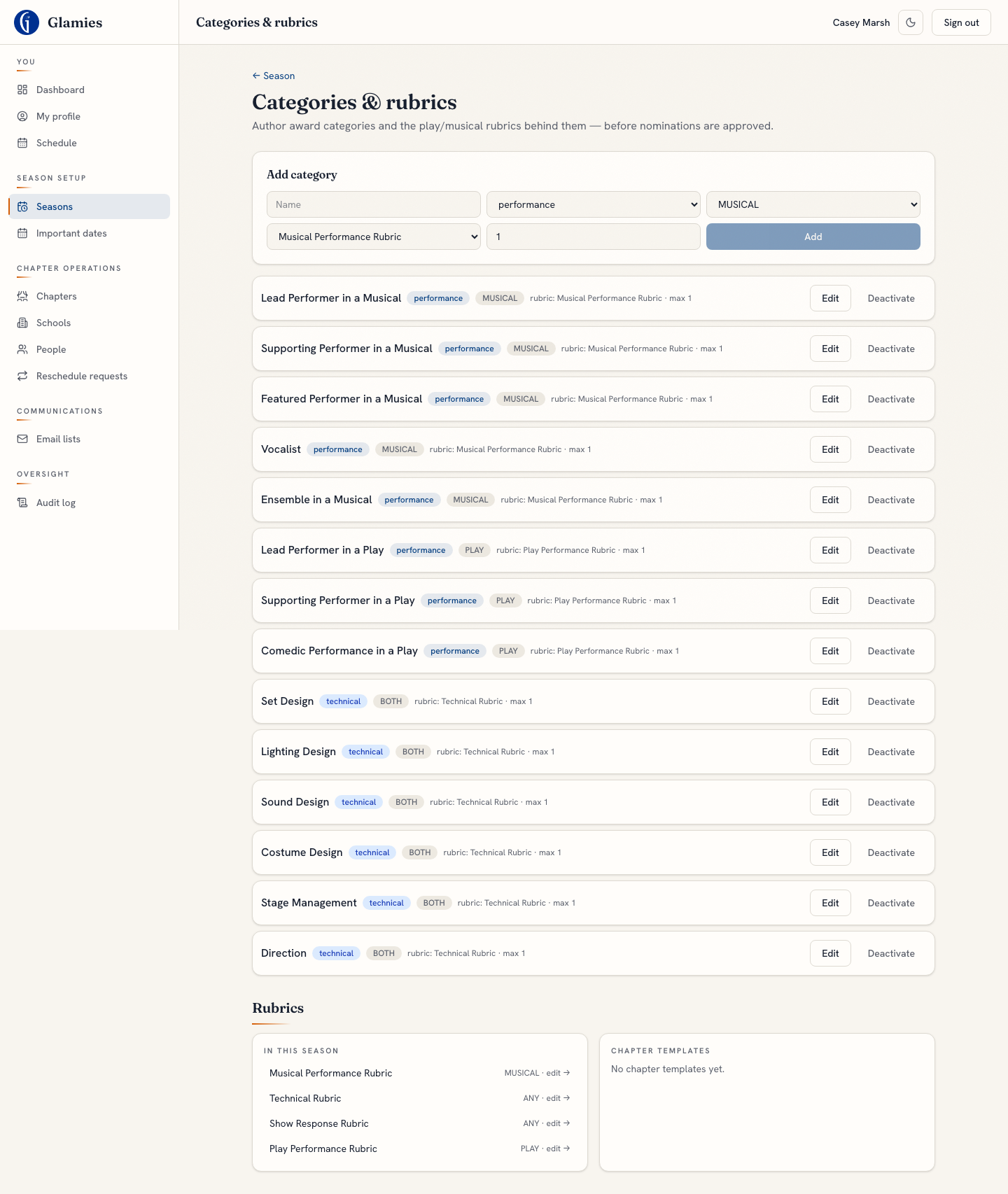
Step 1 — Before any nomination can happen, the chapter admin defines the season's award categories (performance/technical/reviewer type, PLAY/MUSICAL/BOTH, max nominees) and the rubric behind each. This is the same Categories & rubrics screen used in the season-setup walkthrough — nominations can't exist without it.
Nomination slots auto-created per performance × category
Step 2 — Nothing creates performance_categories rows at runtime today; the only insert is in the seed script. There's no service that auto-creates a show's nomination slots (honoring appliesTo + maxNominees) when a performance is created or approved.
Show director / primary teacher submits nominee names
Step 3 — The intended flow has the director/teacher submit their own show's nominee names first. Nothing exists for this today: director.ts is read-only aggregates by design, there's no RLS write policy for either role on performance_categories, and no UI. In the current build, names are only ever entered by an adjudicator or chapter admin (Steps 4/5) — the submission direction is inverted from the intended design.
Adjudicator reviews nominations per category
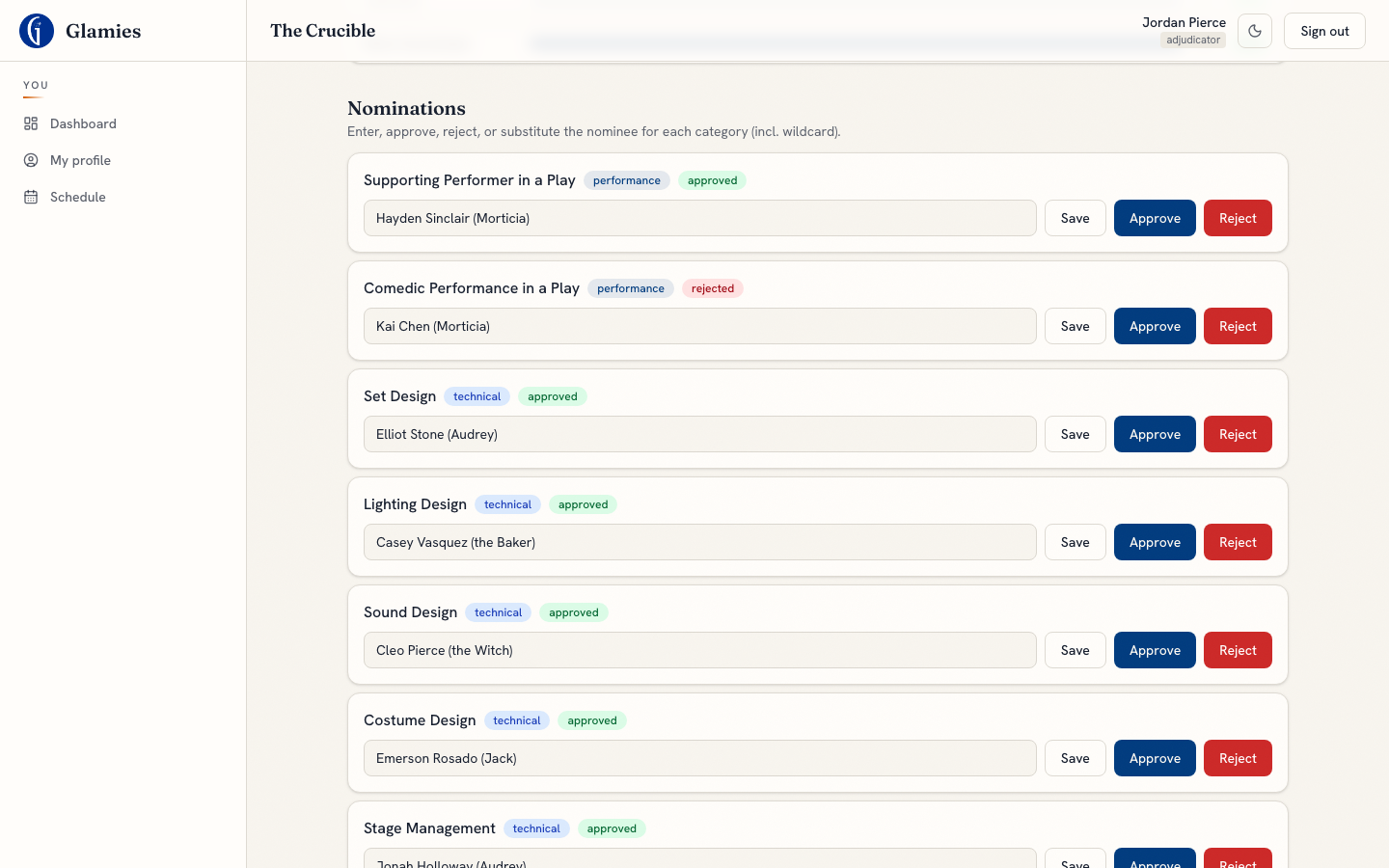
Step 4 — On the performance-day console's Nominations section, the adjudicator can Save an edited nominee list, Approve, or Reject each category's nomination (including wildcard categories). The seed pre-populates a placeholder nominee per category, which the adjudicator corrects here after talking with the team.
Nomination corrected and approved
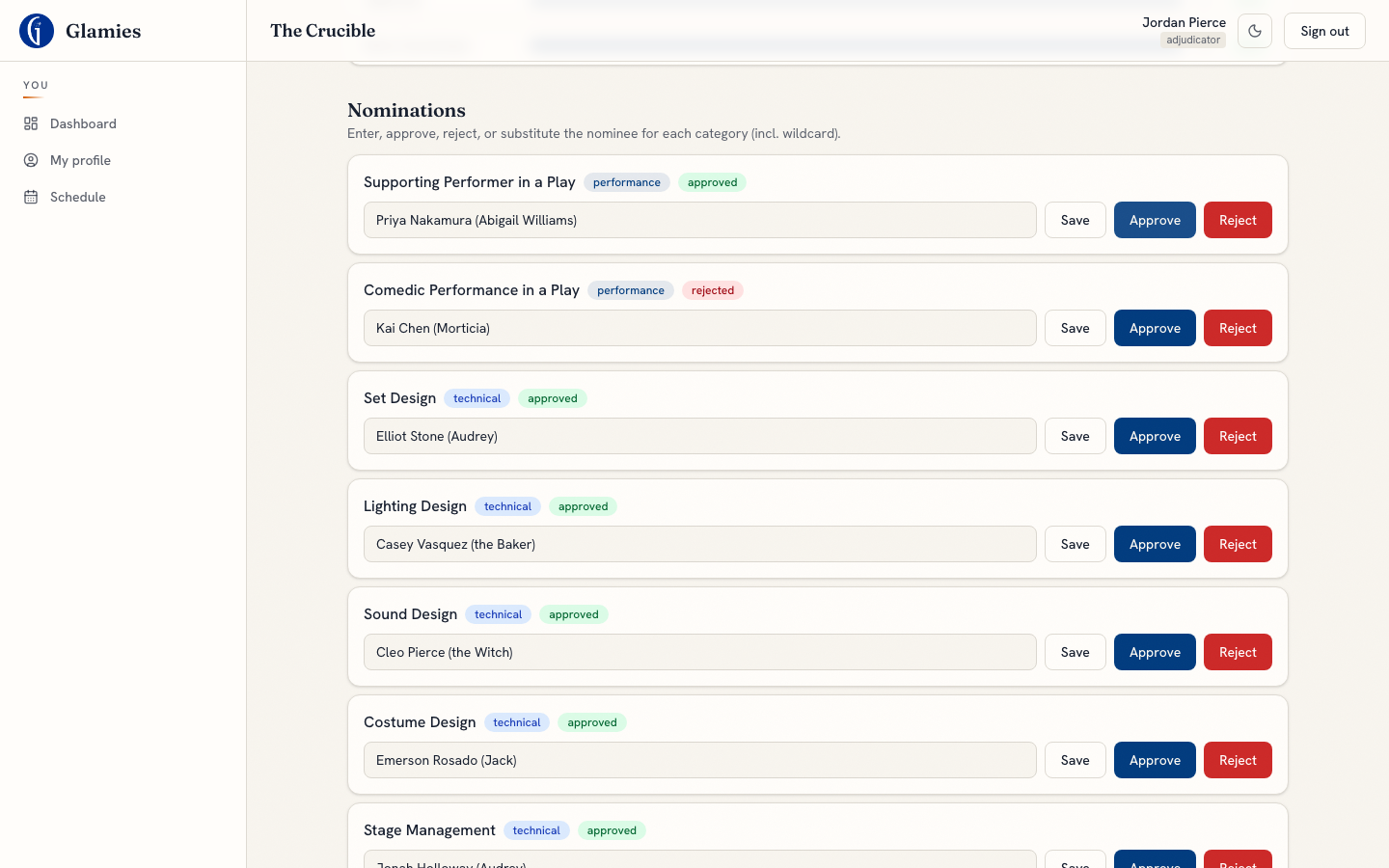
Editing the nominee name and hitting Approve writes submittedNames and flips nomineeState to approved in one action.
A different category's nomination rejected
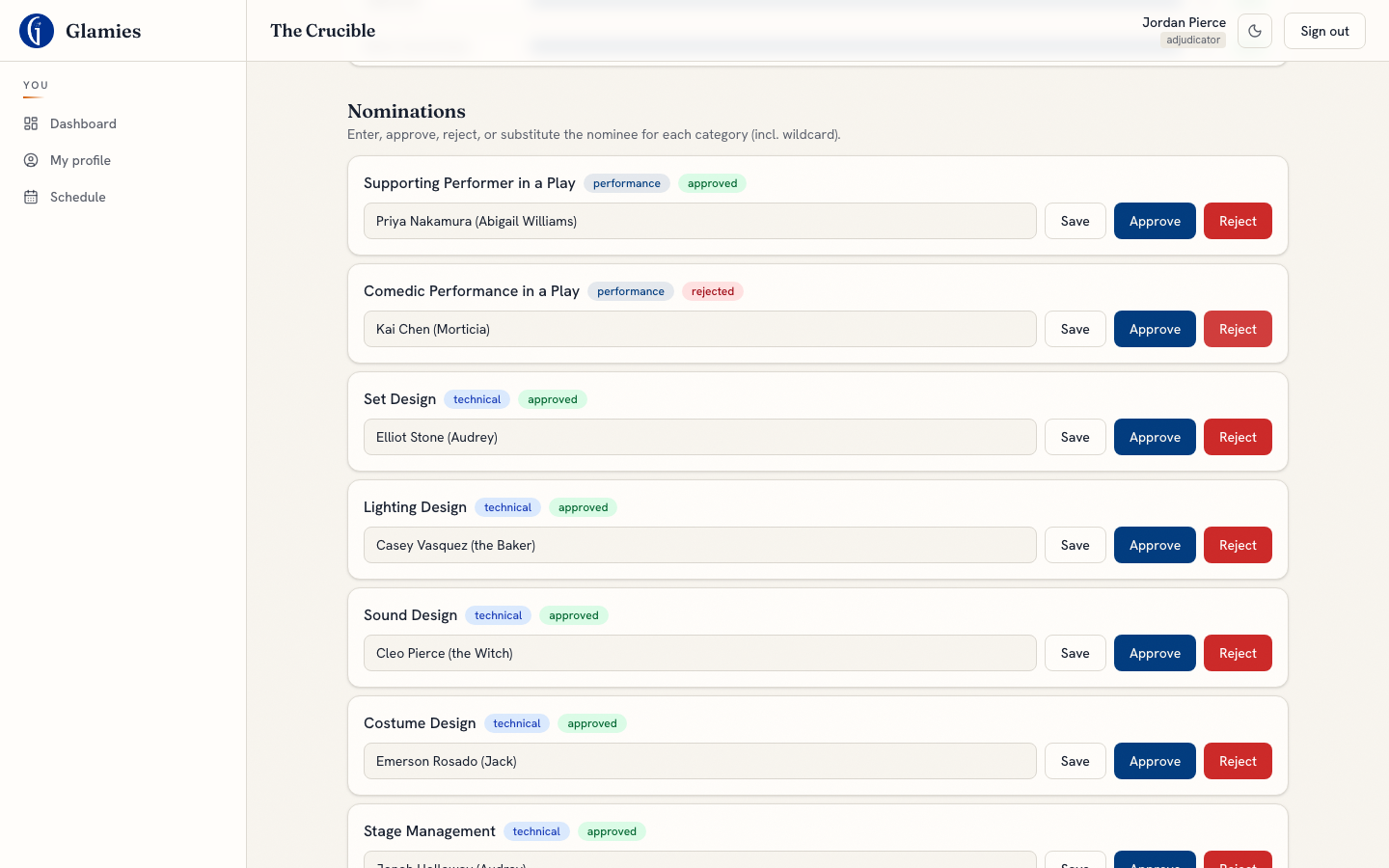
Reject flips nomineeState to rejected — but note Step 11 below: there's no resubmission path back to the director/teacher, so a rejected nomination can currently only be fixed by an adjudicator or admin re-editing it directly.
Chapter admin console — Categories tab
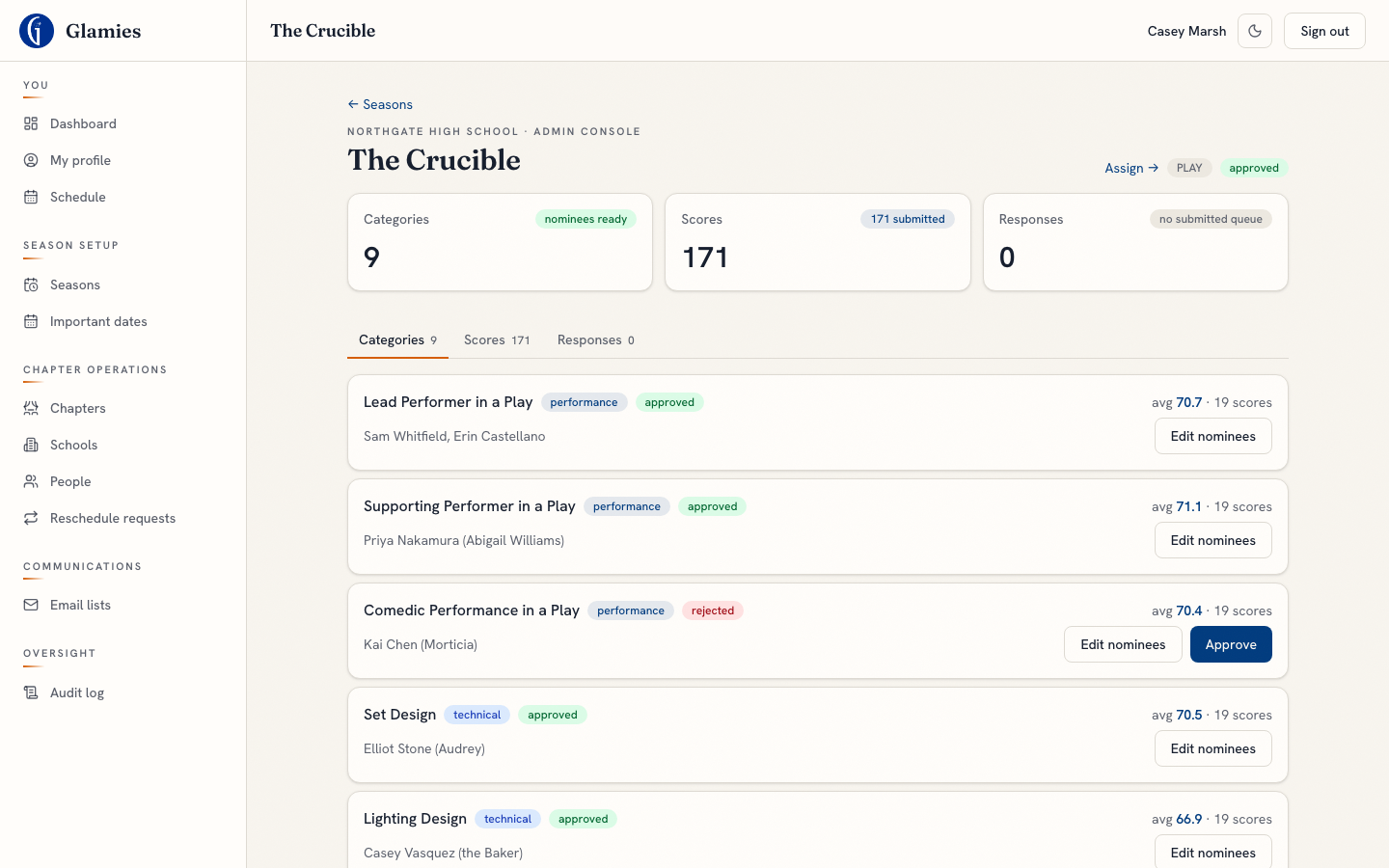
Step 5 — The chapter admin has the same edit/approve power over nominations as an adjudicator, from the performance's admin console — including after scoring has already started. A "missing nominees" badge flags any category still without a name.
Admin edits a nomination directly
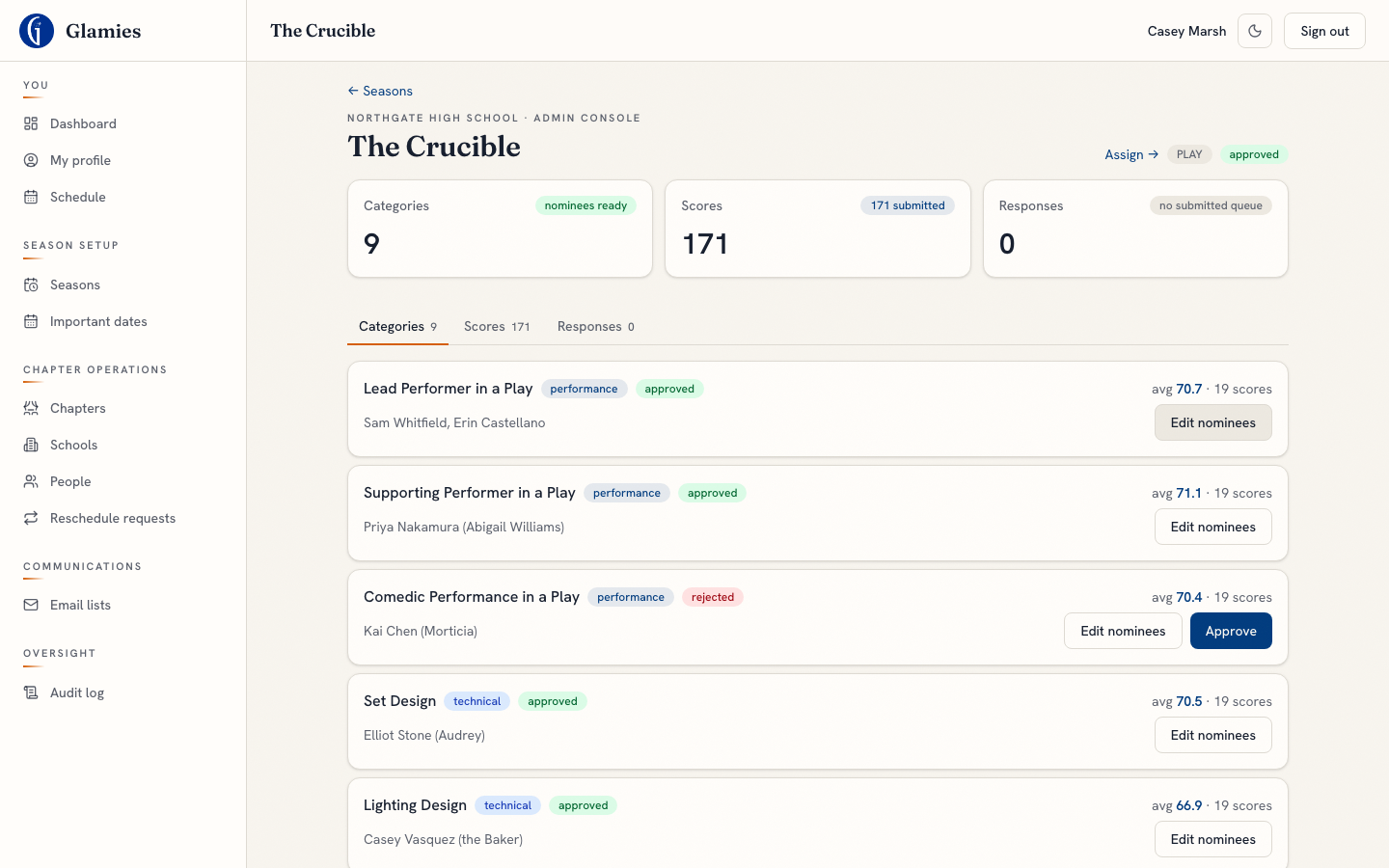
Editing nominees from the admin console writes submittedNames the same way the adjudicator's card does — this is the chapter admin's override path, usable at any point in the season.
Nomination-window policy toggle
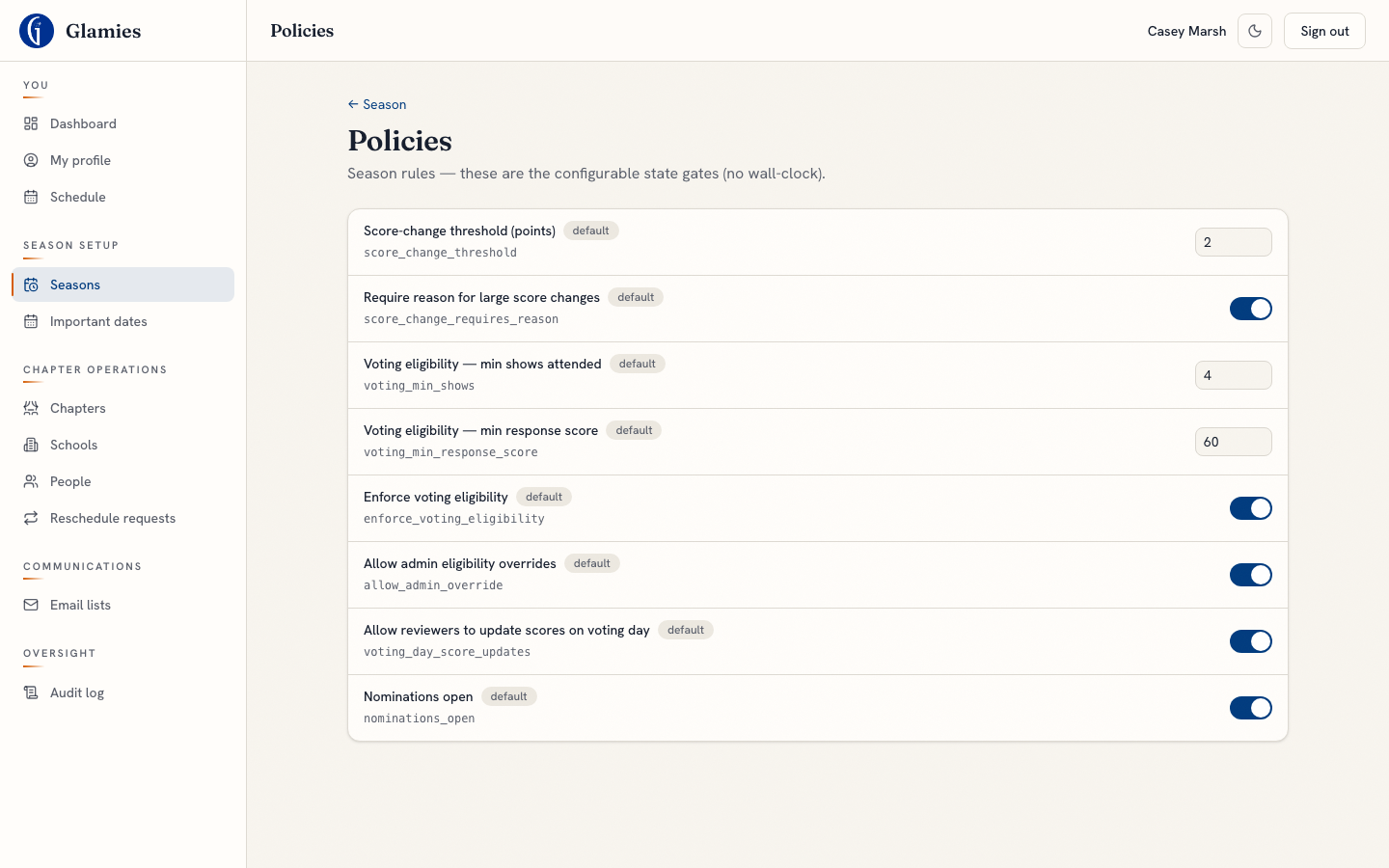
Step 6 — A season-wide "nominations open" policy toggle exists and is admin-controlled from the Policies screen. It's real state, but nothing reads it yet: neither the adjudicator's nor the admin's nomination-save endpoints check it, so toggling it off would not actually block anyone from editing a nomination today.
Nominations closed (toggle off)
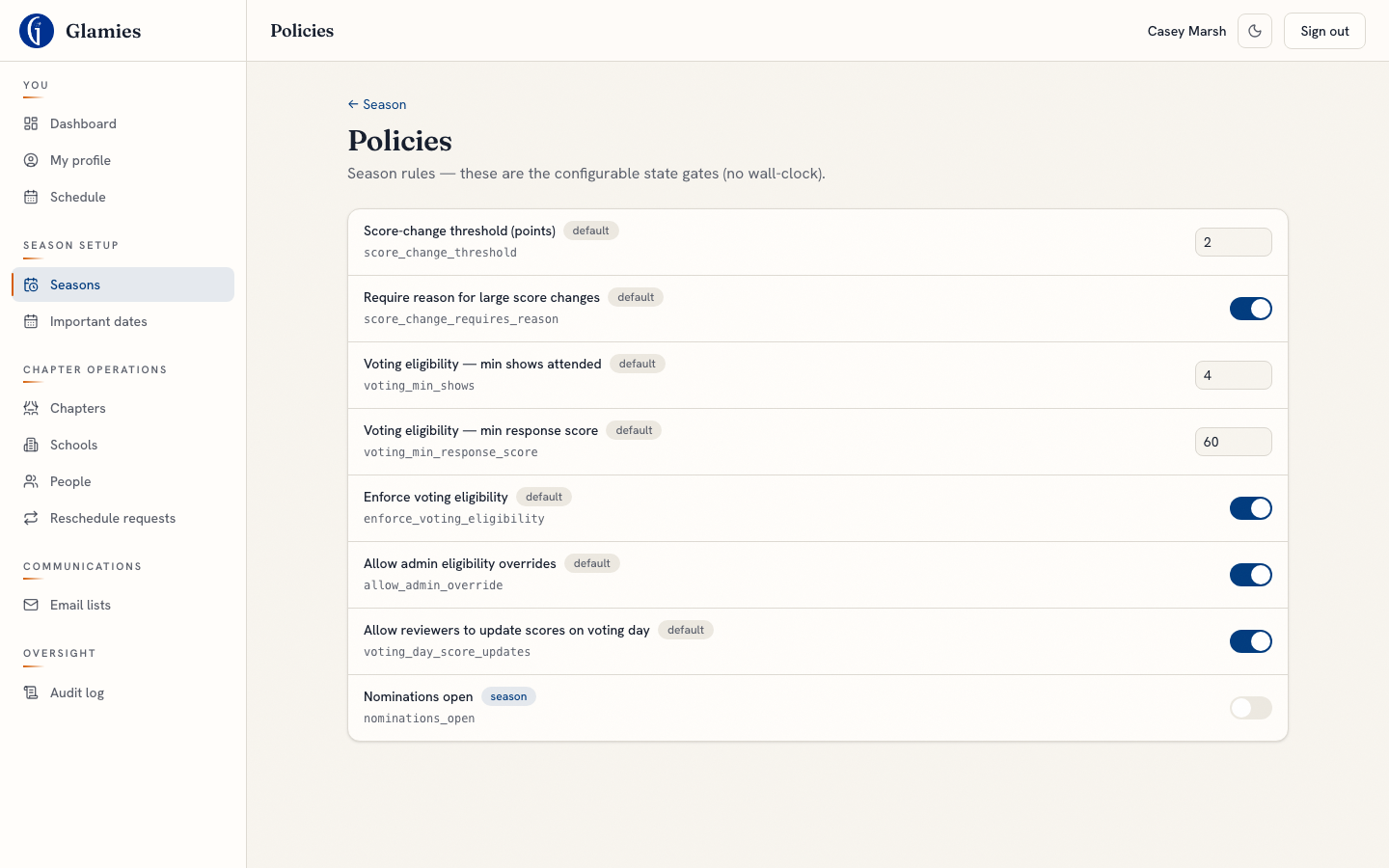
The toggle itself works and persists — but since no service checks it (per the doc's code audit), this is a control with no effect yet, not a real gate.
Canonical accepted names recorded on approval
Step 7 — performance_categories.acceptedNames is a dead column: it defaults to an empty array, is read once for passthrough display, and is never written anywhere. Approving a nomination only ever updates submittedNames — the canonical "accepted" spelling that voting-day's performer-conflict matching is supposed to key off doesn't exist yet.
Nominee (student) + teacher told "you're nominated"
Step 8 — A known v1 pain point carried forward: nothing surfaces a nomination to the student or their teacher anywhere in the product. No dashboard card, no notification, nothing.
Approved slate feeds awards computation
Step 9 — No awards service, tables, or routes exist at all yet. Approved nominations don't feed anything downstream — that's the voting-day Part B work (standings → top-5 → winners), not built.
Nomination changes appear in the audit log — but not distinctly
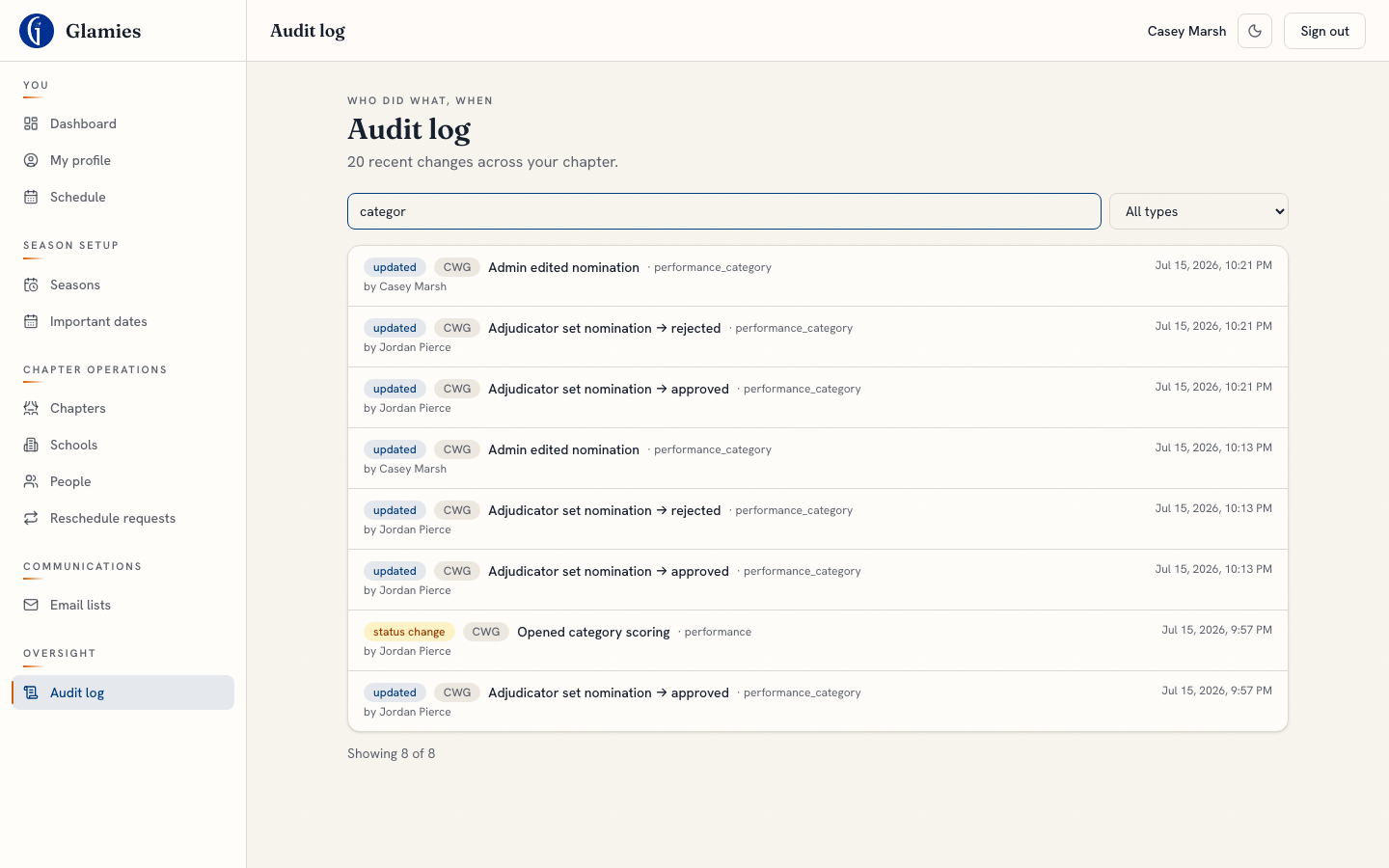
Step 10 — Every nomination write does call recordAudit, so the category edits above are all here. The gap: the write path always logs action "updated" — the AuditAction enum has approved/rejected values, but nomination writes never pass them, so you can't filter this log for "nominations that were rejected" the way you can for scores.
Withdraw / resubmit a rejected nomination
Step 11 — There's no withdraw concept, and nomineeState is unconstrained free text (no DB enum or check constraint) rather than a real state machine. A rejected nomination (like the one in Step 4 above) has no resubmission path back to the director/teacher — only an adjudicator or admin re-editing it directly can move it forward again.